₿ BITCOIN47.COM
Mining and Home Node Gear on Amazon
Gear guide for home Bitcoin node builders and hobbyist miners, with hardware picks and product context.
Curated shelf (≤8 one-intent picks, tag v00ko-20). Search dumps trimmed for node BOM + measurement tools.
A Bitcoin full node is the most sovereign piece of software a holder can run. You validate your own transactions. You enforce the protocol rules. No bank, exchange, or third party required.
Why a Node Is Different from Mining
Most people conflate node running and mining — they are entirely different activities. Mining requires specialized ASIC hardware and is only economical with very cheap electricity. Running a full node requires a $120 Raspberry Pi and validates every transaction on the blockchain without generating any Bitcoin.
Building a Raspberry Pi Full Node
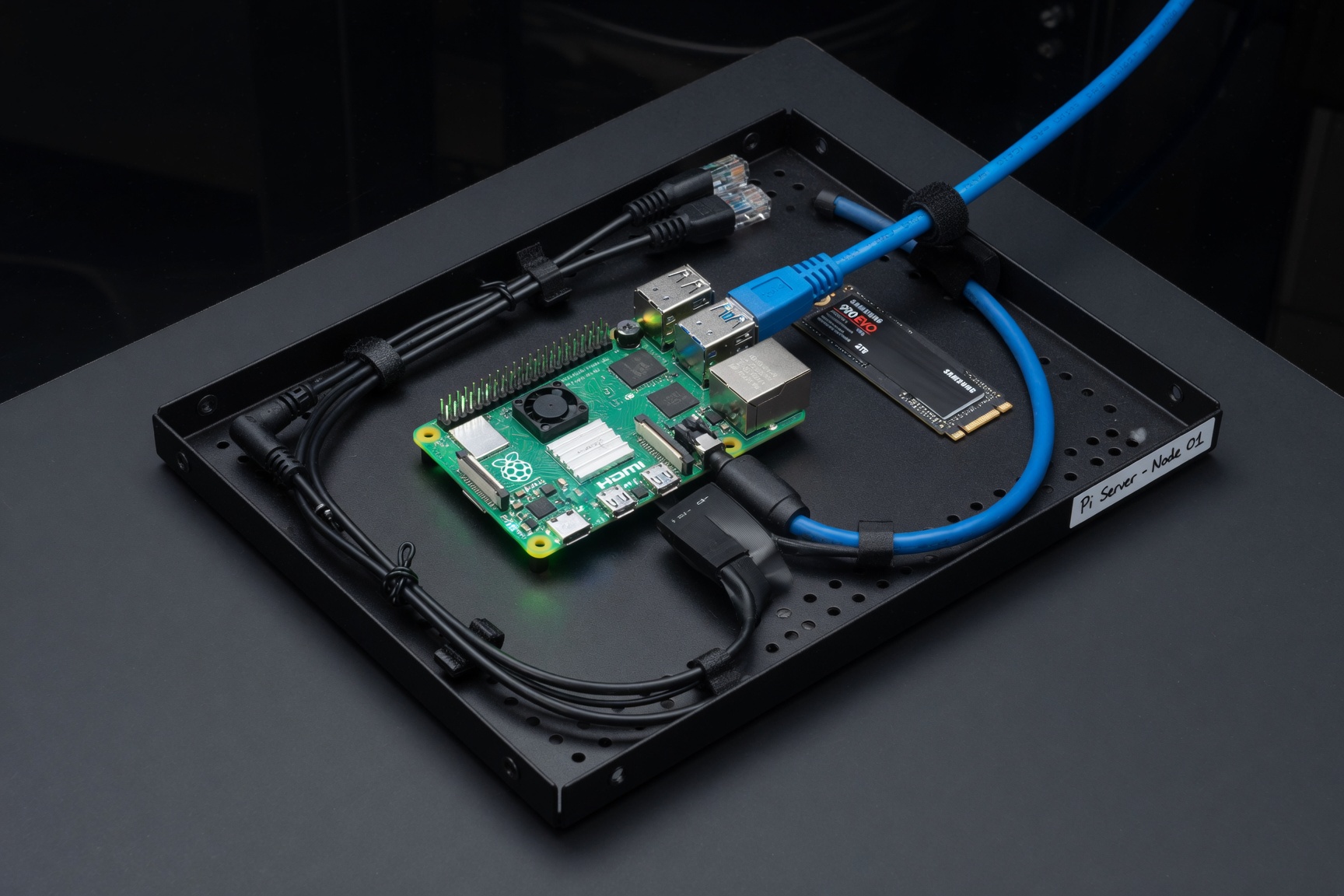
The Raspberry Pi 5 is the current standard for home node hardware. It's fast enough to keep up with the mempool, draws minimal power, and costs under $100 for the board alone. The full build — board, SSD, case, and power — runs around $120–150.
Raspberry Pi 5 — The Node Standard
The Pi 5 offers a significant performance jump over the Pi 4. Quad-core Arm Cortex-A76, up to 8GB RAM, and USB 3.0 for fast SSD connectivity. Most home node builds start here. At roughly $80 for the 4GB model, it's the best value-per-watt compute available for this use case.
Search on Amazon →Complete node starter build:
- Raspberry Pi starter kit bundles — Kits that include board, official power supply, and case in one purchase. Simplest entry point for first-time builders.
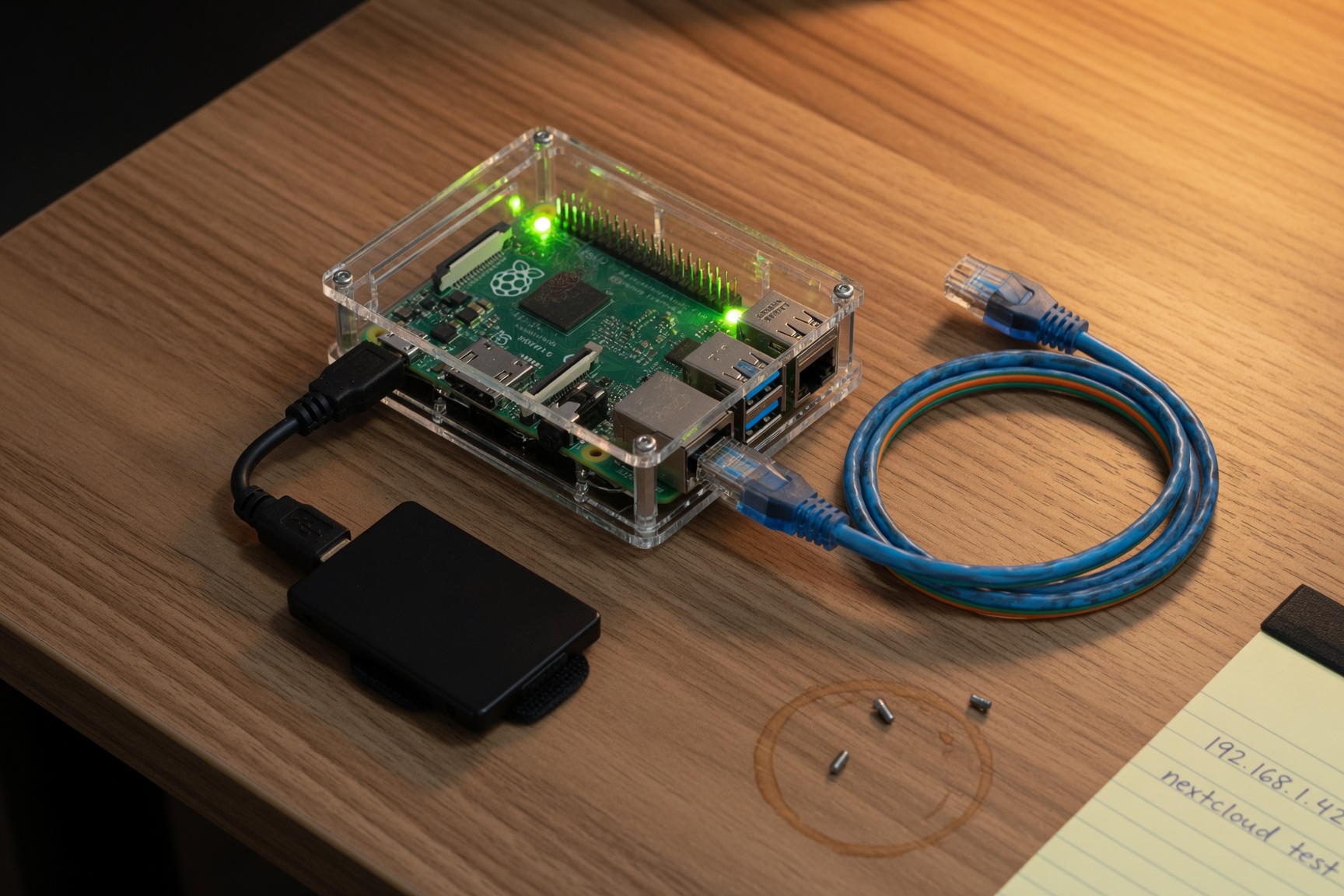
- Raspberry Pi 5 boards (standalone) — Buy the board alone if you're sourcing other components separately. Get the 4GB or 8GB RAM variant.
- High-endurance microSD card (32–64GB) — The OS and node software boot from microSD. High-endurance rated cards (designed for dashcams and security cameras) last far longer than standard cards in always-on use.
Networking and power:
The node should run on wired Ethernet — not WiFi. Blockchain sync and peer connections are stable and uninterrupted on a gigabit LAN; WiFi introduces latency and dropout risk.
- Mini UPS battery backup — Power interruptions cause filesystem corruption on SD cards and SSDs. A small UPS gives the node time to shut down cleanly during outages. The CyberPower CP600LCD and APC BE600M1 are popular options.
Hobby Mining Accessories
Home ASIC mining is unprofitable at most US residential electricity rates ($0.12–0.18/kWh). Modern S21 miners draw 3,500W and generate significant heat and noise. Treat home mining as a technical hobby and network participation exercise — not income. The exception: electricity under $0.05/kWh, off-grid solar, or a heated garage where miner heat replaces another heating cost.
The accessories below are useful whether you're running a full node, experimenting with older ASIC hardware, or just measuring power draw for budgeting:
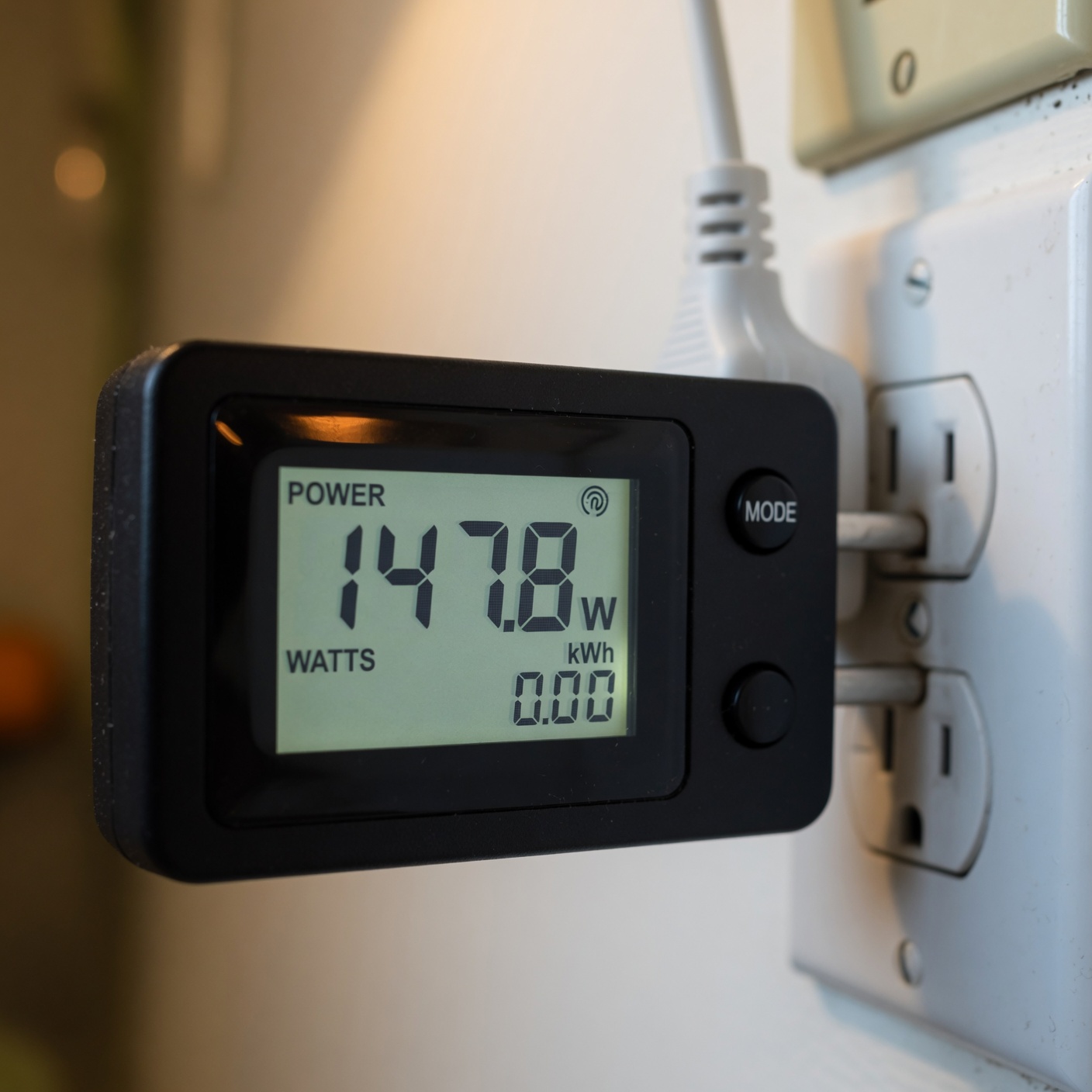
- Smart plug with real-time energy monitoring — Track actual daily kWh usage from any device. Kasa EP25 and Emporia Vue integrate with apps for long-term cost tracking.
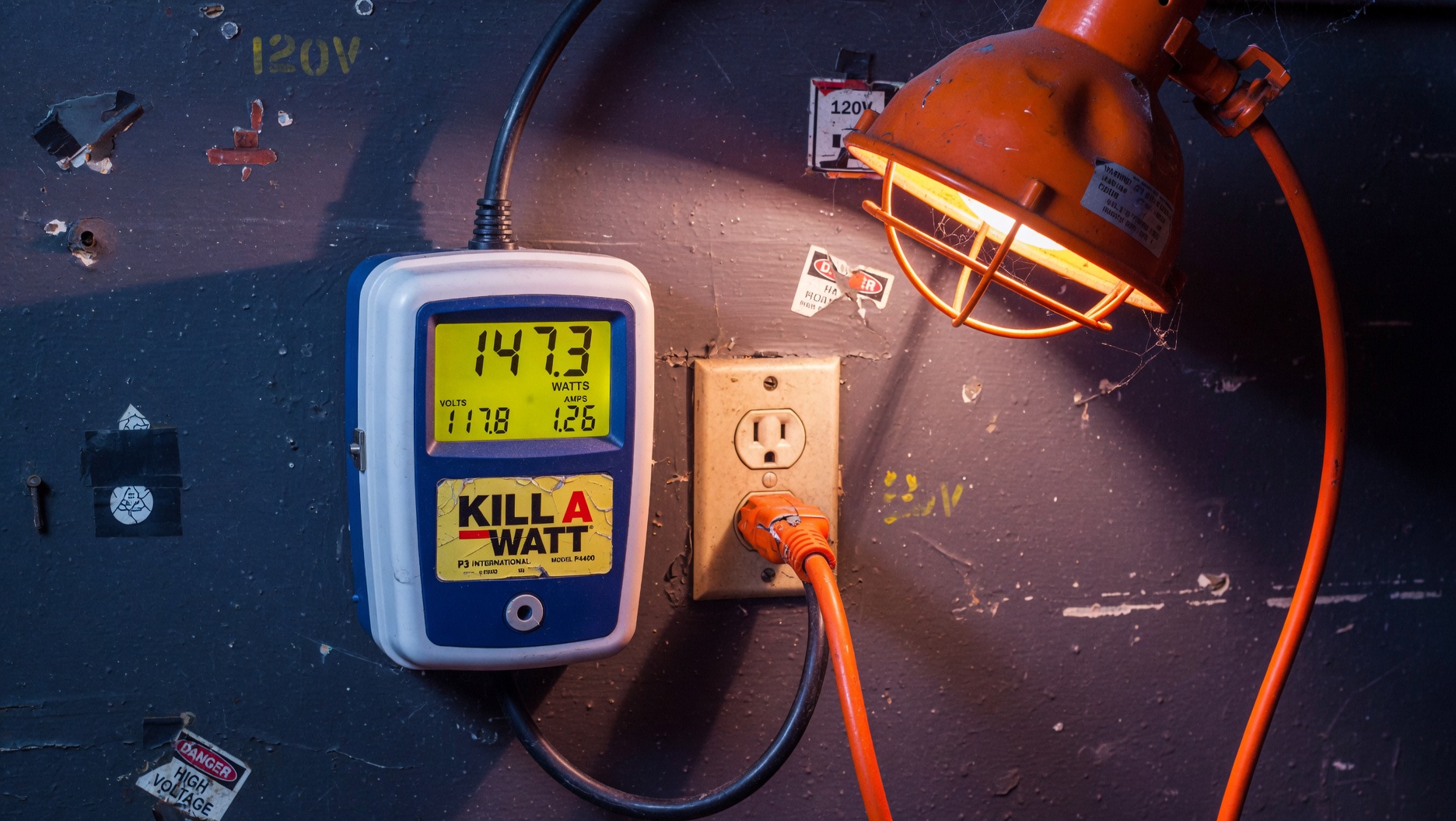
- Kill-A-Watt EZ power meter — The industry standard plug-in power meter. Displays wattage, voltage, amps, and cumulative kWh. Under $30. Essential for calculating real electricity costs before committing to a mining setup.
Technical Reading for Node Operators
Understanding your node at depth requires going deeper than setup guides. These books build the foundation:
Contains Amazon affiliate links — we earn commissions on qualifying purchases at no extra cost to you. Not affiliated with Donald Trump, any campaign, or any government office. Full disclosure →